Table of content
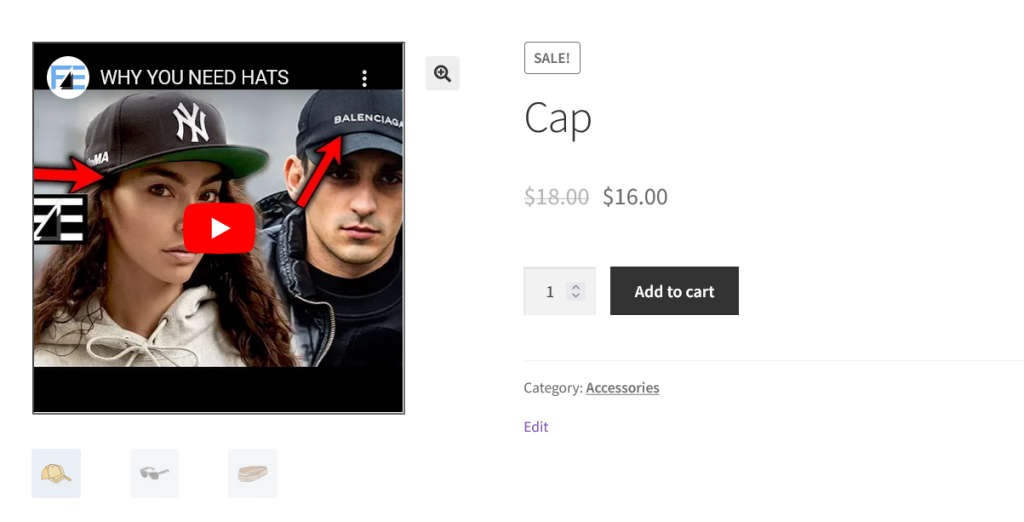
With the help of the WooCommerce product featured video plugin you can add video for the products. This featured video will be displayed in place featured images at the front-end. Furthermore, there are different players that the plugin supports such as, Dailymotion, Facebook, YouTube, and others.
General Settings
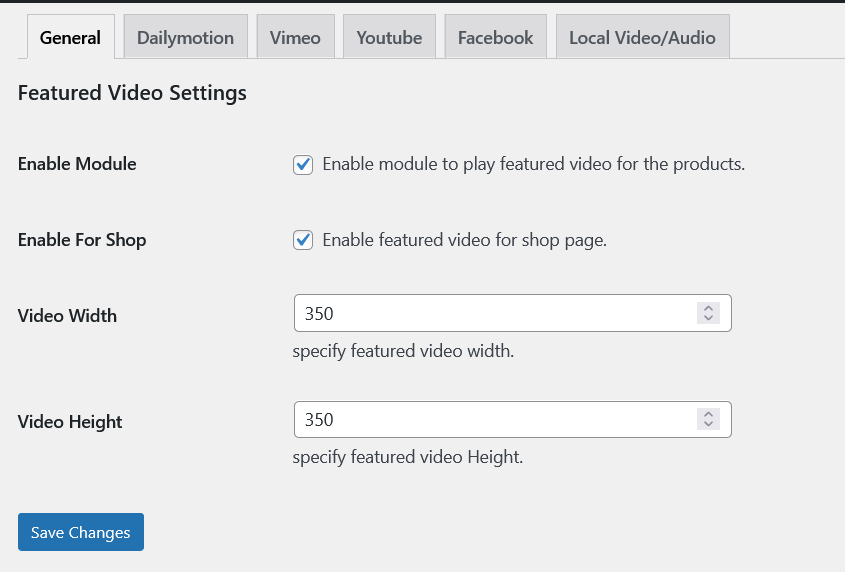
Enable Module: Enable module to play featured video for the products.
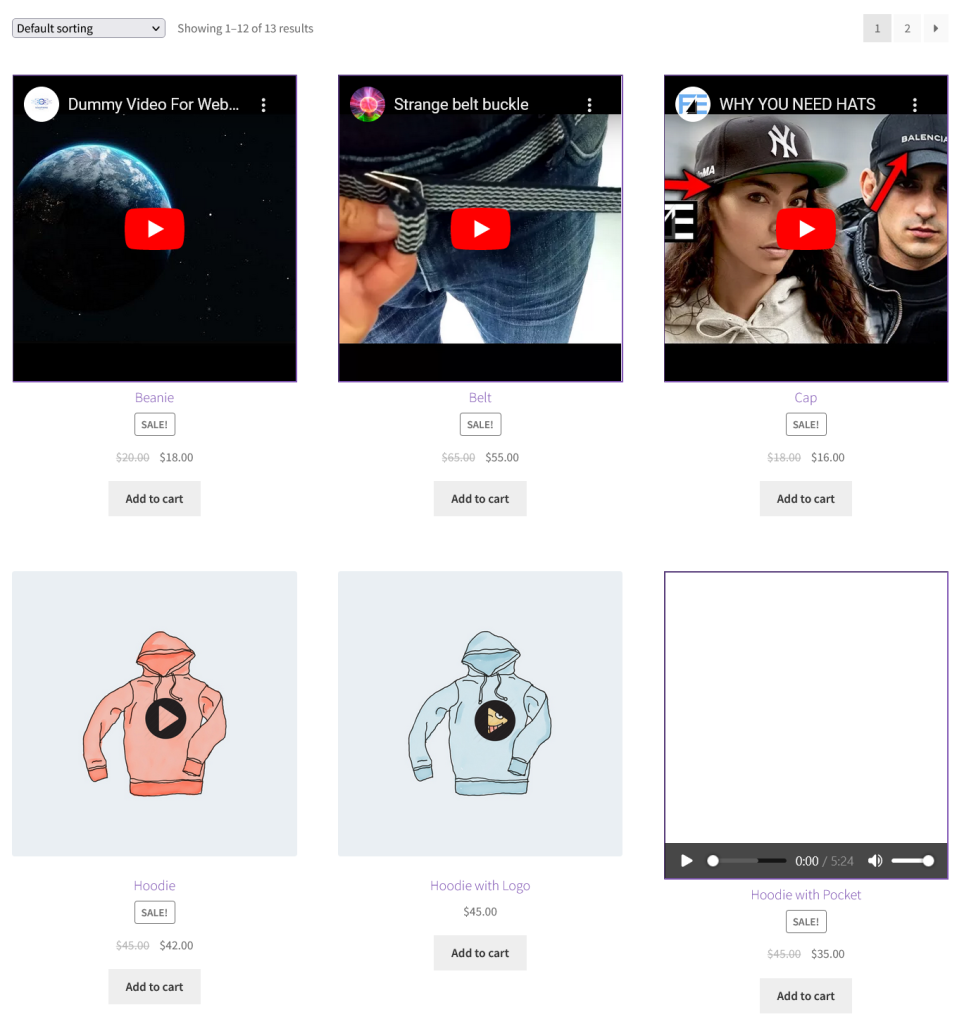
Enable For Shop: Enable featured video for shop page.
Video Width: specify featured video width.
Video Height: specify featured video Height.
Dailymotion Settings
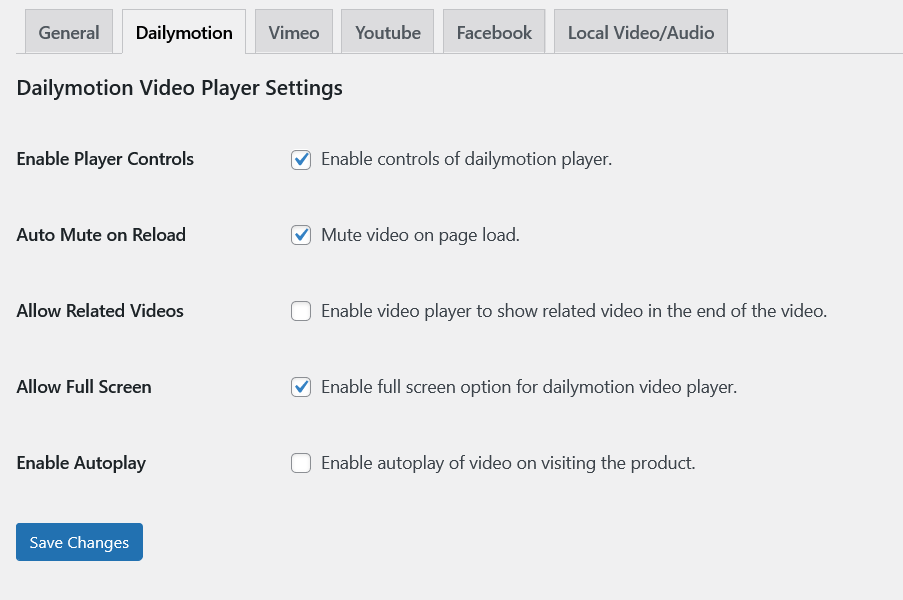
Enable Player Controls: Enable controls of dailymotion player.
Auto Mute on Reload: Mute video on page load.
Allow Related Videos: Enable video player to show related video in the end of the video.
Allow Full Screen: Enable full screen option for dailymotion video player.
Enable Autoplay: Enable autoplay of video on visiting the product.
Vimeo Settings
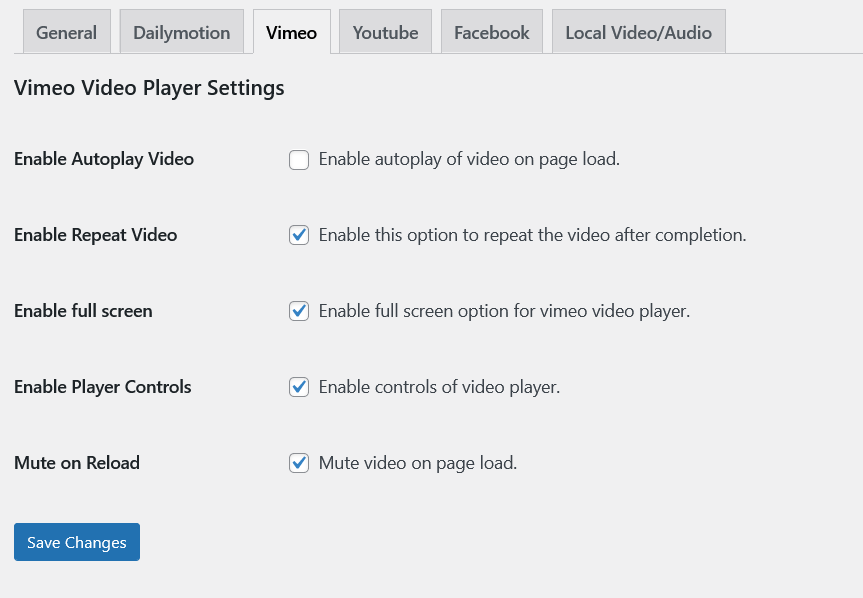
Enable Autoplay Video: Enable autoplay of video on page load.
Enable Repeat Video: Enable this option to repeat the video after completion.
Enable full screen: Enable full screen option for Vimeo video player.
Enable Player Controls: Enable controls of video player.
Mute on Reload: Mute video on page load.
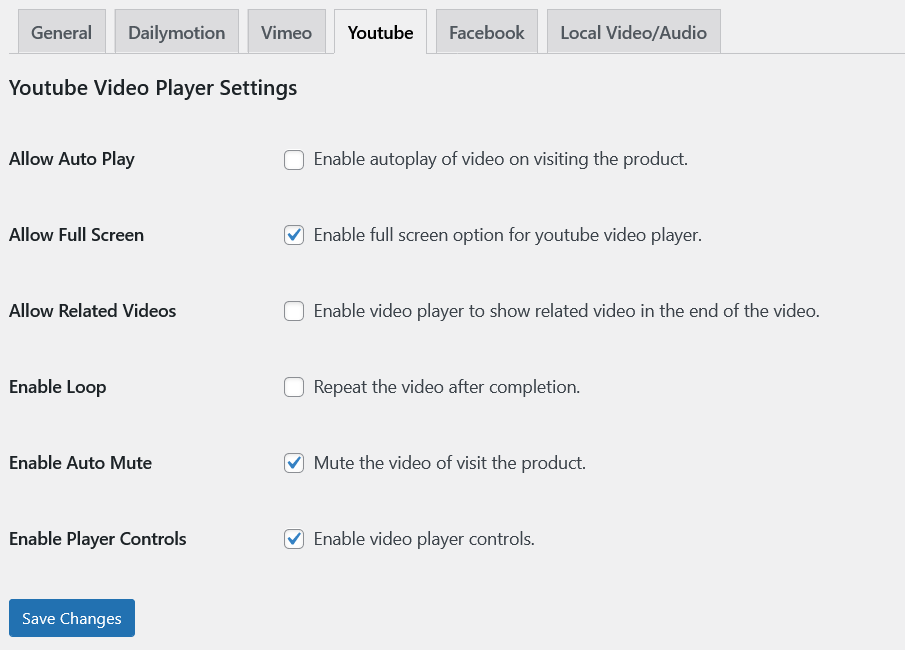
Youtube Settings
Allow Auto Play: Enable autoplay of video on visiting the product.
Allow Full Screen: Enable full screen option for Youtube video player.
Allow Related Videos: Enable video player to show related video in the end of the video.
Enable Loop Repeat the video after completion.
Enable Auto Mute: Mute the video of visit the product.
Enable video player controls. Enable video player controls.
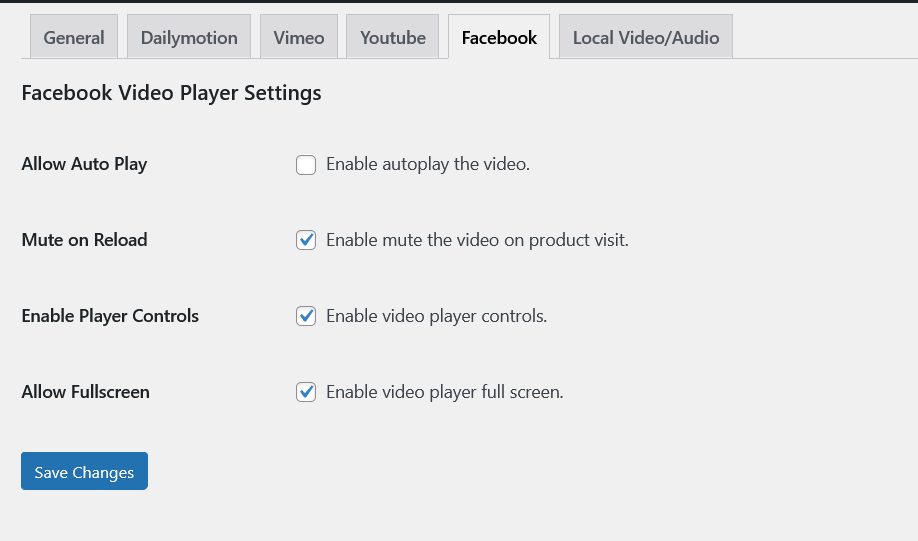
Facebook Settings
Allow Auto Play: Enable autoplay the video.
Mute on Reload: Enable mute the video on product visit.
Enable Player Controls: Enable video player controls.
Allow Fullscreen: Enable video player full screen.
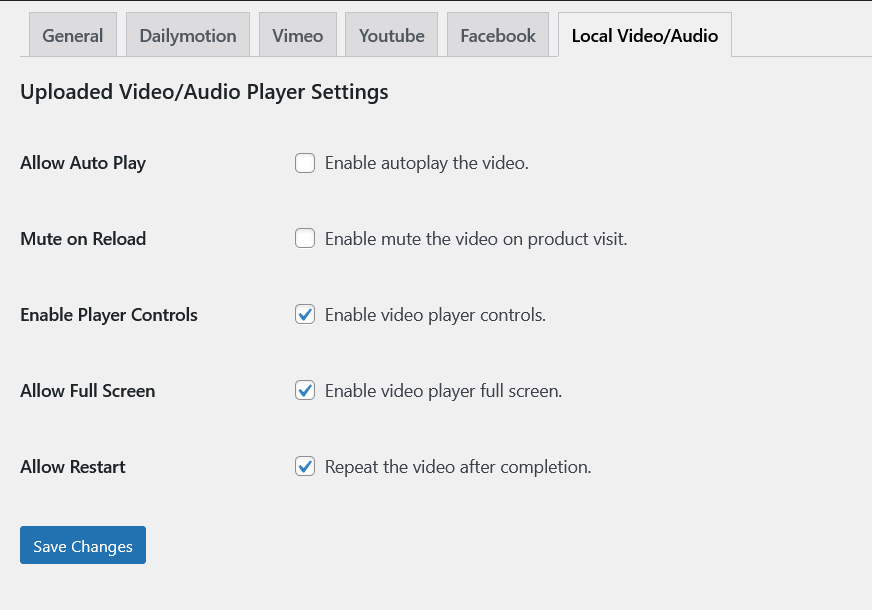
Local Video/Audio Settings
Allow Auto Play: Enable autoplay the video.
Mute on Reload: Enable mute the video on product visit.
Enable Player Controls: Enable video player controls.
Allow Full Screen: Enable video player full screen.
Allow Restart: Repeat the video after completion.
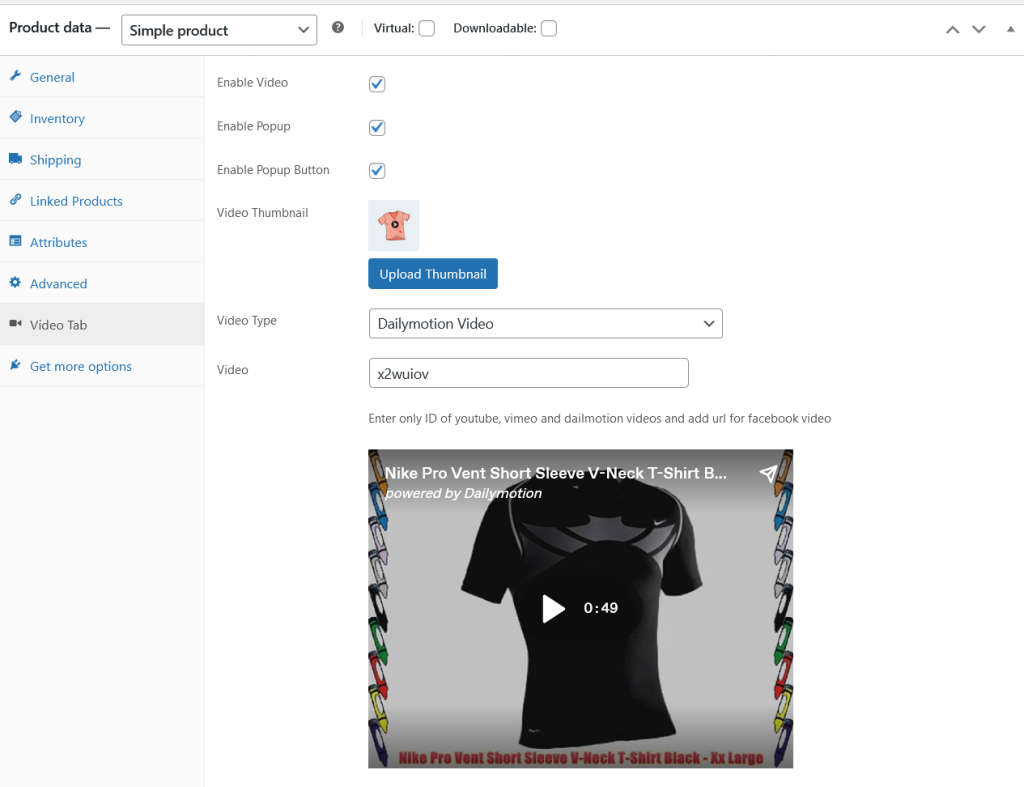
Product Level Settings
Enable Video: Check this option to enable featured video instead of featured image for that product.
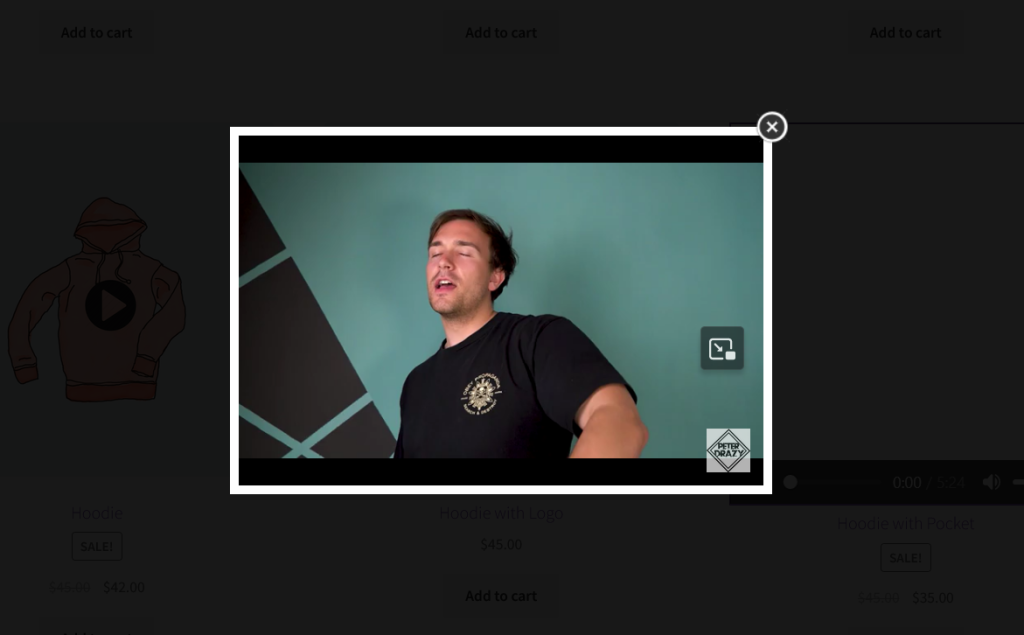
Enable Popup: Check this option to display the featured video in popup when clicked.
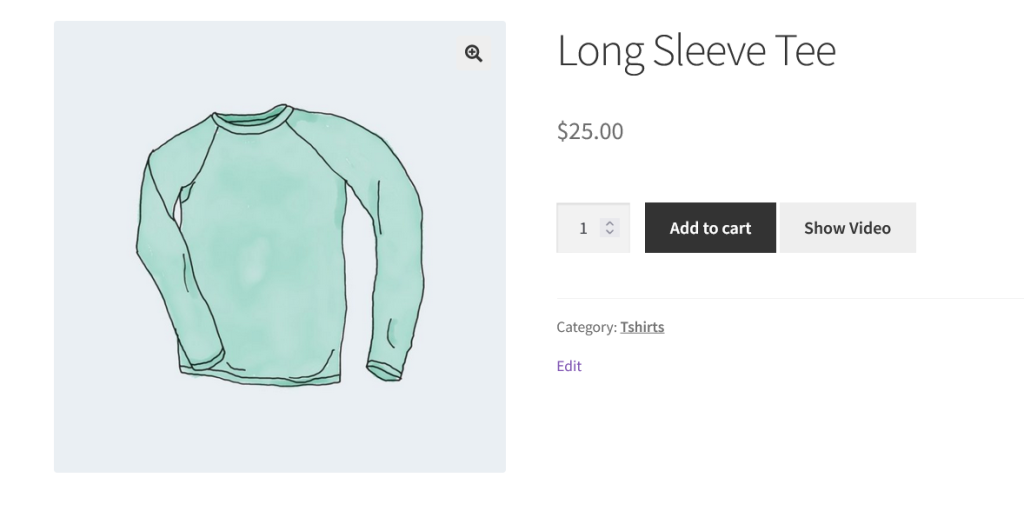
Enable Popup Button: Add popup button to display video.
Video Thumbnail: Upload video thumbnail when popup is enabled.
Video Type: Add different type of video for the product. Youtube, Vimeo, Dailymotion, Facebook, Local Video or add embed code.
Shop Page
Featured Video in Popup
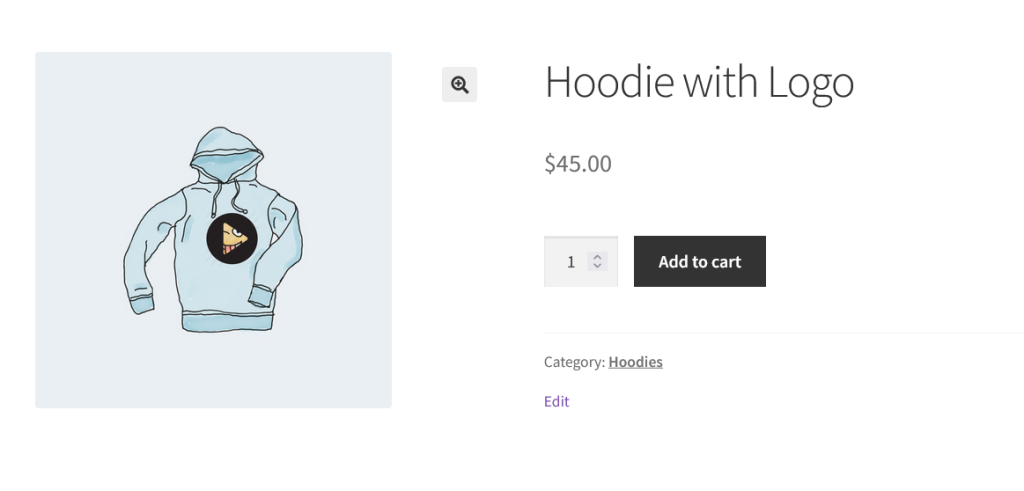
Single Product with Popup Enabled Video
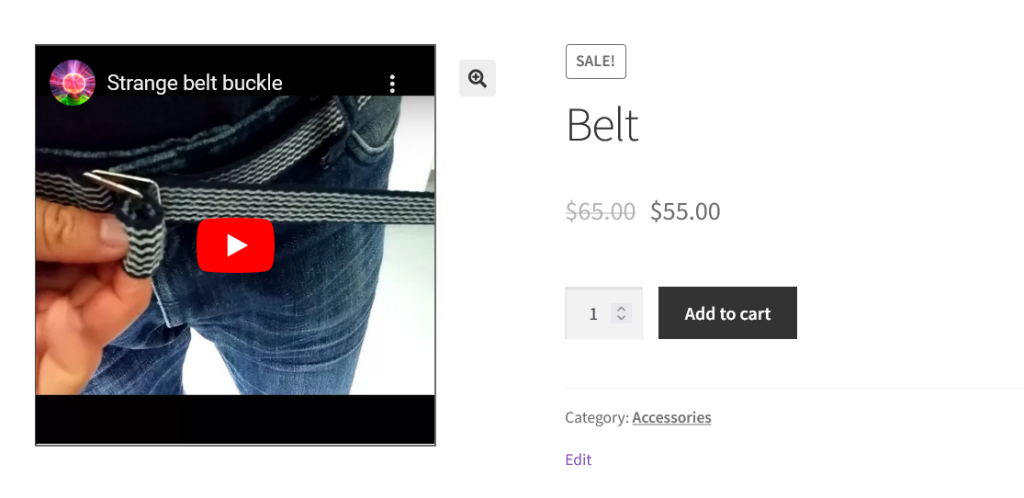
Single Product with Simple Video
Featured Video with Product Gallery
Product with Show Video Button
When the button is clicked, the popup will appear with the featured video.