Table of content
WooCommerce Abandoned Cart Recovery plugin enables you to recover the customer’s abandoned cart. If customers leave the online store after adding multiple products, the cart becomes abandoned. Afterward, he/she receive an email for cart recover. It will also notify you about pending payments.
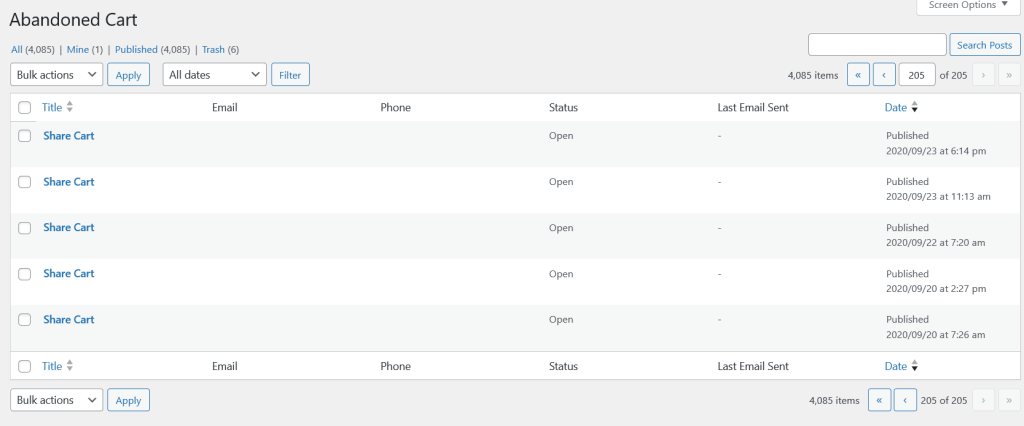
All Abandoned Carts
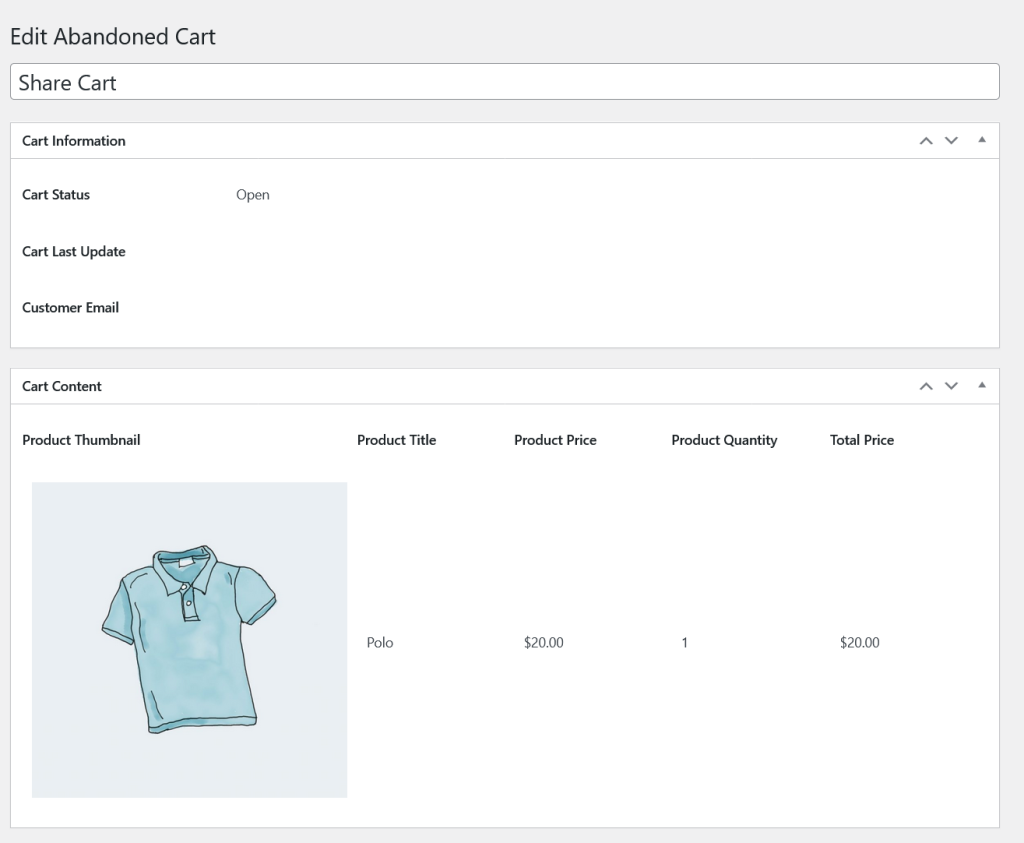
Single Abandoned Cart
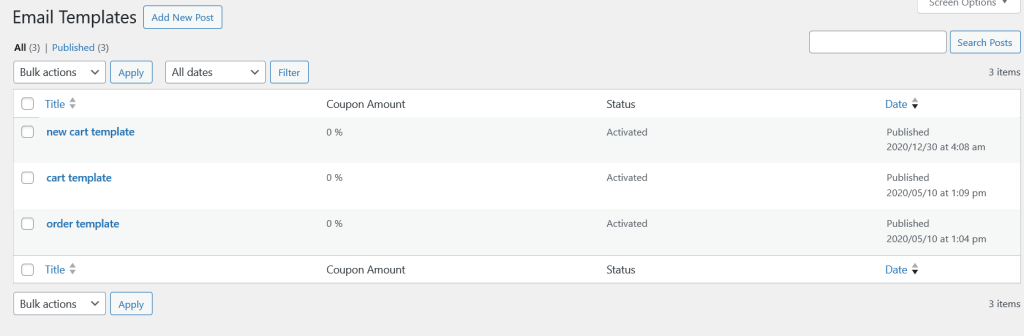
All Email Templates
Abandoned cart allow to modify different email templates for Abandoned cart and Pending payment Order.
Single Email Template
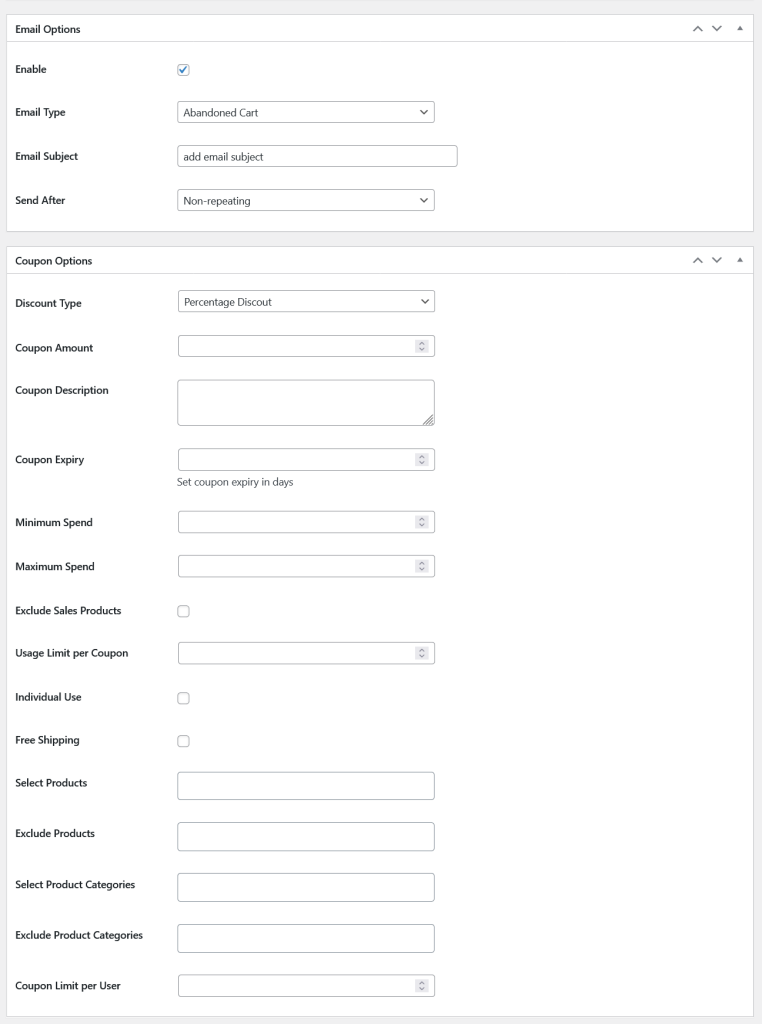
Email template consists of several options.
Enable: Check this option to enable email template.
Email Type: Choose email type. There are two types of emails. Abandoned Cart and Pending Payment.
Order.
Email Subject: Add email subject.
Email Body: Use post content for the email body. {cart_content} and {customer_name} tags are used to dynamically add customer name and cart content.
Send After: There are different duration to send that email to the customers. For example send email every 5 minutes, twice in a month, send email monthly etc.
Email also consists of coupon settings to offer discount for the customers in the form of coupon to recover their Abandoned cart or Pending payment orders.
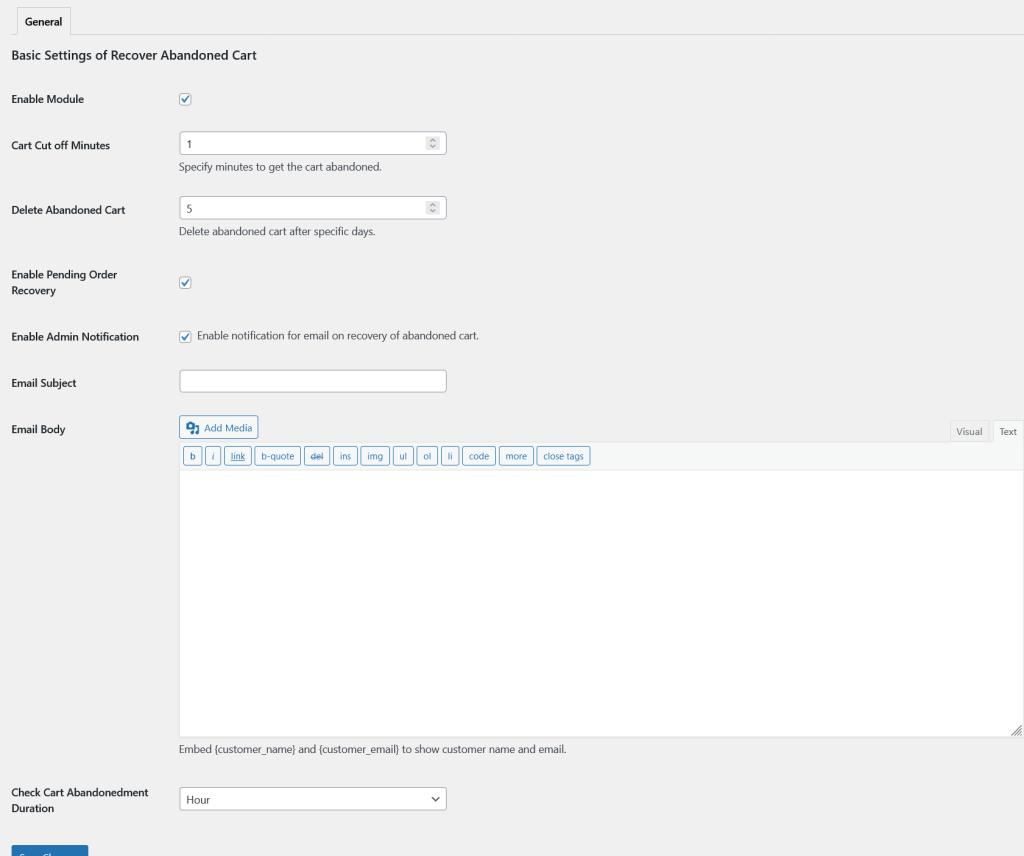
General Settings of Abandoned Cart
Enable Module: Check this option to enable the Abandoned cart functionality.
Cart Cut off Minutes: Specify minutes to get the cart abandoned.
Delete Abandoned Cart: Delete abandoned cart after specific days.
Enable Pending Order Recovery: Check this option to enable pending order recovery.
Enable Admin Notification: Enable notification for email on recovery of abandoned cart.
Email Subject: Add email subject.
Email Body: Add email body.
Check Cart Abandonedment Duration: Check after every Minute, Hour, Week, Month for the abandoned cart.
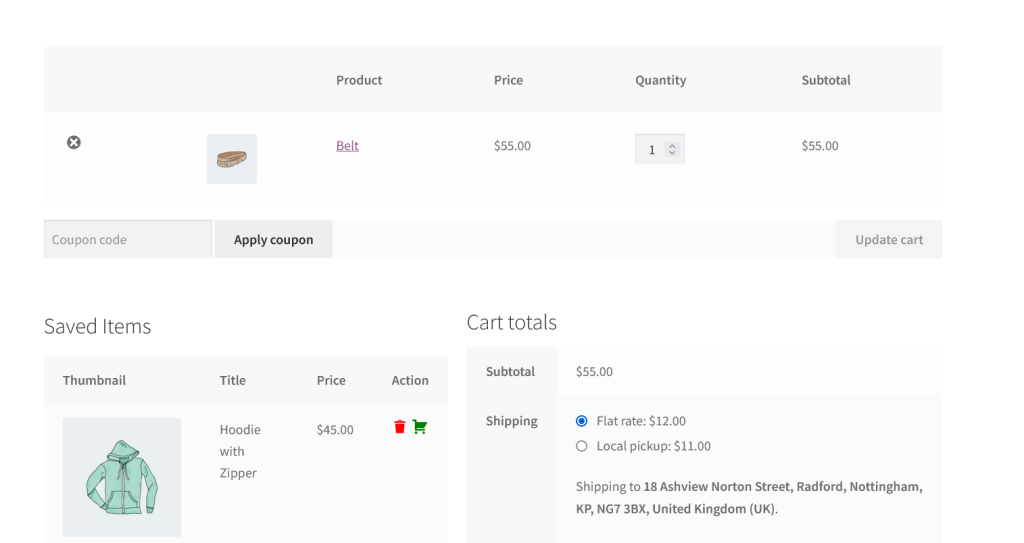
Saved Items
Abandoned cart plugin also allow to save the cart for the later use.